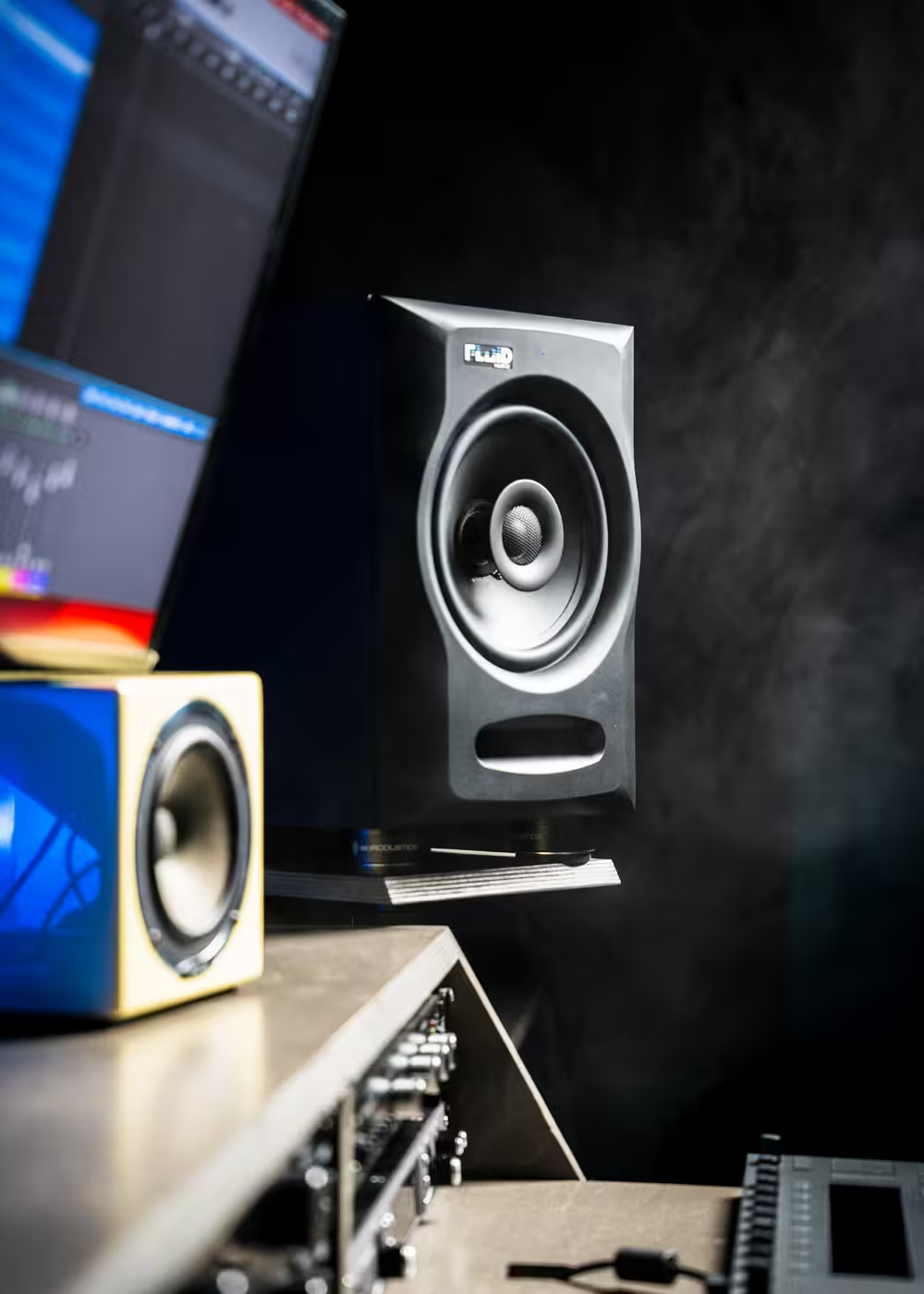
Flat is useful. Honest is better.
A monitor should reveal balance problems clearly enough that you can identify and fix them, not simply make every record sound flattering.

Most studio monitor advice focuses on specs. Better decisions come from matching the monitor to your room, listening distance, workflow, translation needs, and where you want the studio to go next.
Studio monitors are tools. The right pair should help you make decisions that hold up when the mix leaves your room.
A monitor should reveal balance problems clearly enough that you can identify and fix them, not simply make every record sound flattering.
Extra low end can sound impressive in a demo, but uncontrolled extension can lead to poor kick, bass, and balance decisions.
The best monitor is one you can learn, trust, and make repeatable decisions on over long sessions.
These rules help separate useful monitoring decisions from showroom appeal, feature lists, and assumptions about bigger always being better.
Listen for balance, image stability, low-end control, and how quickly mix problems reveal themselves rather than how exciting the monitor sounds in the first five minutes.
Bigger drivers can provide more output and extension, but only when the room, listening distance, placement, and acoustics can support them.
Coaxial designs, multi-way reference systems, and subwoofer-assisted systems solve different problems in imaging, dispersion, headroom, and low-frequency control.
Speaker placement, listening position, bass trapping, and first-reflection control can matter as much as the monitor itself.
Choose a system that fits the room now but also makes sense if you later move to a larger room, add a subwoofer, or build an immersive system.
Pay attention to center image, vocal placement, low-end control, transient response, depth, fatigue, and how quickly you understand what the mix needs.
Monitor size should be chosen around the room, listening distance, expected playback level, and the amount of low-frequency extension the room can actually support.
A smaller monitor in the right position can outperform a larger monitor placed badly in an uncontrolled room.
For placement and treatment, see the Acoustic Treatment Guide.
Specifications matter, but architecture also affects imaging, dispersion, midrange workload, output, and the way low frequencies are handled.
FX50 v2 and FX80 v2 use coaxial designs that help keep imaging focused by placing the high- and mid-frequency acoustic sources in the same physical center.
Image 1 and Image 2 separate low, mid, and high-frequency work for higher-end environments where midrange clarity, output, and reference confidence matter more.
212S uses a dual-opposed sealed design with Fluid Professional Vi-Bracer technology to support controlled low-frequency and LFE monitoring in demanding rooms.
For most home and project studios, active monitors are the practical choice because the amplification is already integrated with the speaker design and setup is simpler.
Headphones can reveal edits, detail, and stereo issues, while speakers give you a real acoustic reference for depth, space, and room interaction. See the Headphone Monitoring Guide.
Fluid Audio covers practical project-studio monitoring. Fluid Professional provides the higher reference path for critical stereo, immersive, and commercial rooms.
Coaxial monitoring for project studios, writing rooms, editing rigs, home studios, and compact immersive systems where focused imaging and practical placement matter.
The professional reference path for rooms that need dedicated 3-way monitoring, greater scale, controlled low-frequency extension, and higher translation confidence.
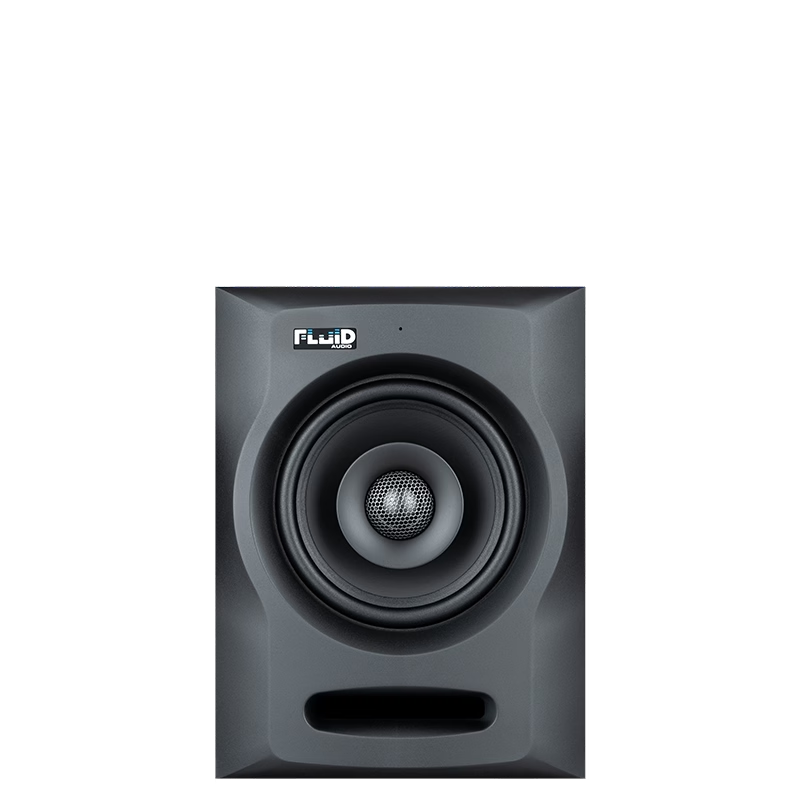
Compact coaxial monitoring for smaller rooms, editing rigs, writing spaces, and project studios.
View FX50 v2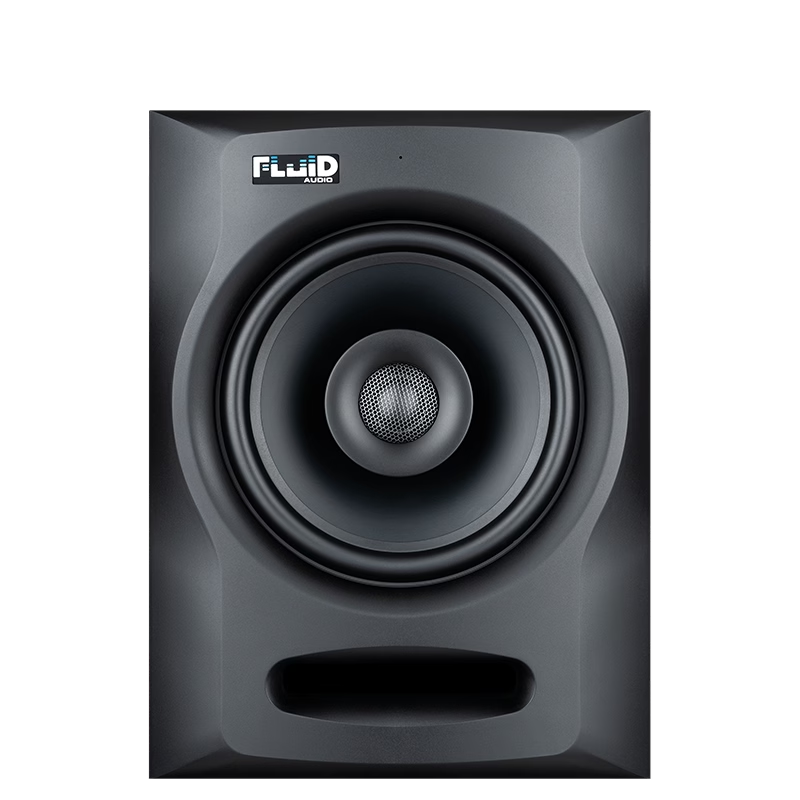
More output and low-frequency extension for larger project rooms and more demanding nearfield positions.
View FX80 v2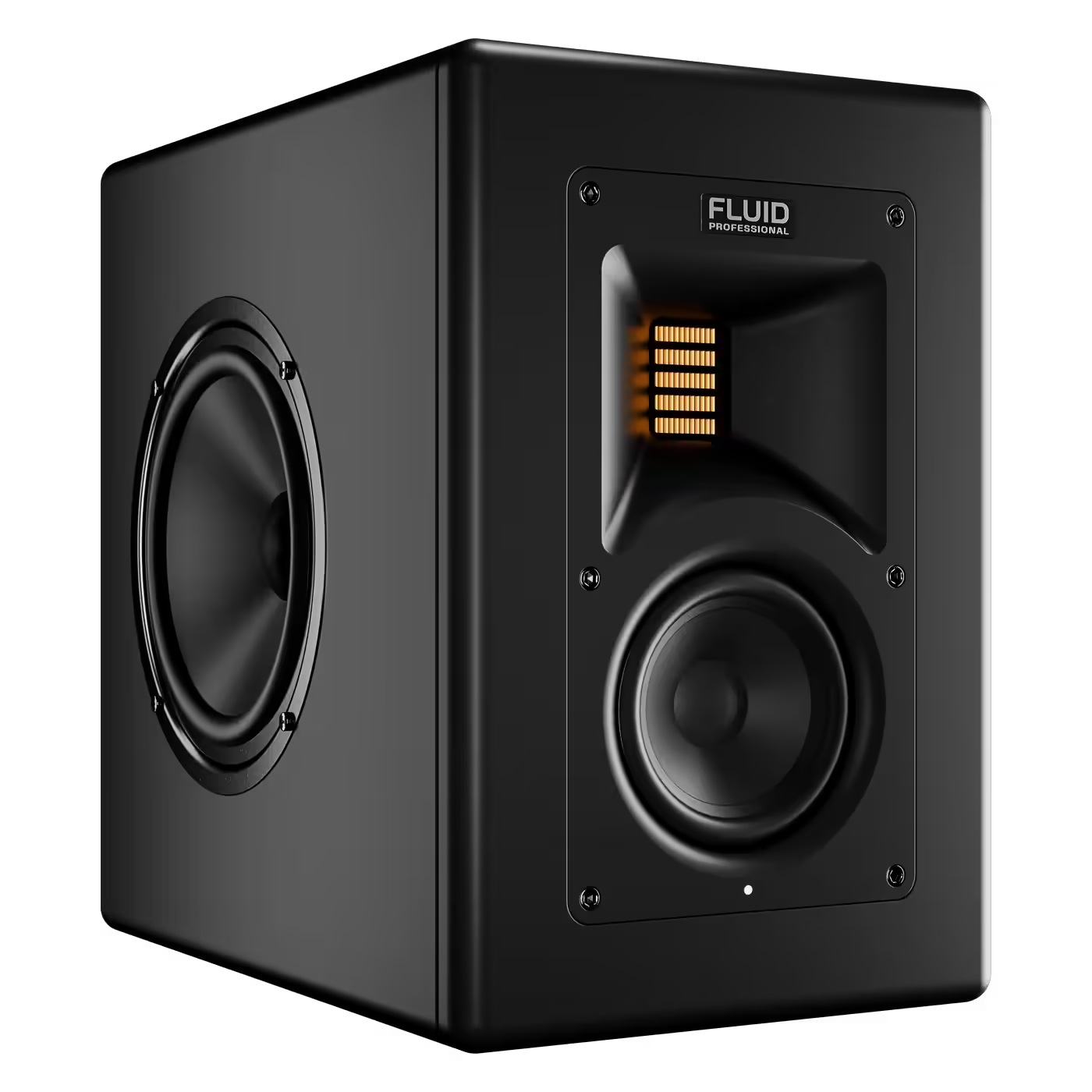
Compact 3-way reference monitoring for high-end nearfield work and scalable immersive systems.
View Image 1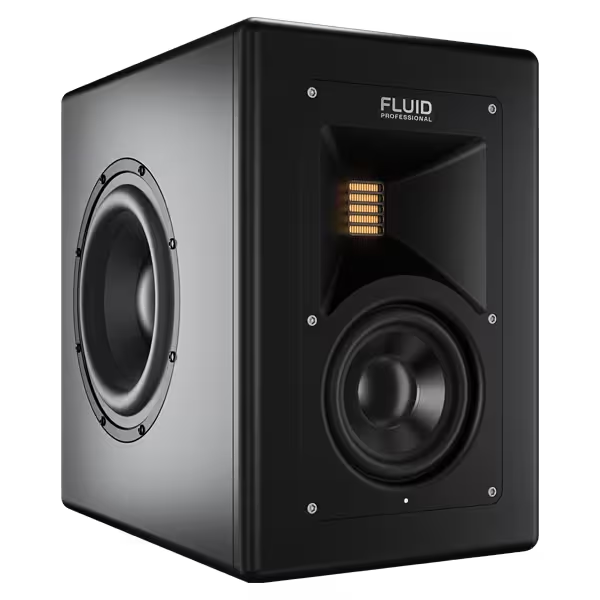
Higher output, greater scale, and deeper authority for larger critical listening and immersive rooms.
View Image 2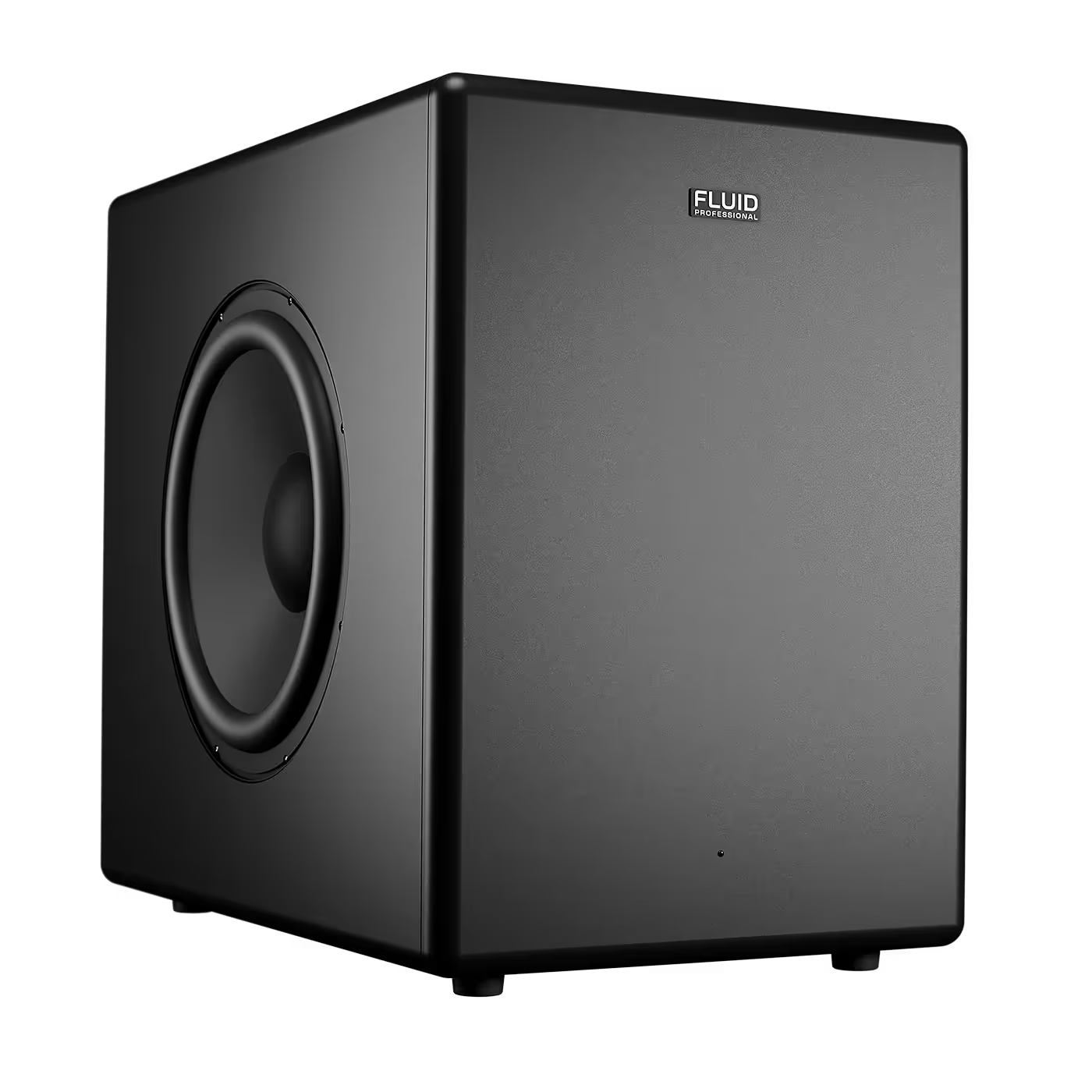
Controlled low-frequency extension and LFE capability for demanding stereo and immersive monitoring systems.
View 212SDo not only listen for what sounds impressive. Use familiar material and pay attention to the things you will actually judge while mixing.
Vocals, kick, snare, and bass should feel stable and easy to place.
Listen for pitch, timing, and decay rather than simply how much bass the monitor produces.
Vocals, guitars, keys, snares, and synths live here. If the midrange is unclear, mix decisions become less reliable.
Drums and percussion should remain clear and readable without becoming aggressive or fatiguing.
Reverb, delays, ambience, and front-to-back placement should be easy to judge without guessing.
A monitor can impress immediately and still become difficult to work on through a long session.
If Dolby Atmos or another immersive format is part of the long-term plan, monitor choice becomes a system decision rather than just a stereo-pair decision.
FX50 v2 and FX80 v2 can make practical sense for compact immersive rooms, while Image Series and 212S provide the higher-end Fluid Professional path for larger critical environments.
Room size, listening distance, output requirements, low-frequency control, workflow, and long-term plans matter more than choosing by woofer size alone.
No. Bigger monitors can provide more output and low-frequency extension, but they can also be harder to integrate in a small or untreated room. The correct size depends on the room and listening distance.
Only if the room and workflow justify it. A sub can extend low-frequency monitoring, but placement, calibration, and room behavior become more important as the system reaches lower.
A 3-way design separates low-, mid-, and high-frequency duties so each driver can work over a narrower range. That can improve clarity and reduce compromises in critical monitoring.
Use both. Specifications explain part of the design, while listening with familiar material tells you how clearly you can judge balance, image, low end, transients, depth, and fatigue in practice.
Choose the monitoring system that fits the room, the workflow, and the decisions you need to make. Translation beats hype.
Add Fluid Audio as a preferred source to see more of our articles in Google Search.