Headphone Monitoring Guide

How to Select the Best Headphones for Your Home Recording Studio

Choosing studio headphones is not just about comfort or hype. The right choice depends on whether you are tracking, editing, producing, mixing, referencing, or building a monitoring workflow around an untreated or imperfect room.

The real goal

What makes a good studio headphone?

A good studio headphone is not necessarily the flattest on paper. It is one that helps you make reliable decisions.

For tracking, isolation may matter most. For editing, detail and comfort may matter more. For mixing, translation becomes the priority.

In many home studios, headphones are part of the monitoring solution alongside speakers rather than a complete replacement for them.

Headphone design

Open-back, closed-back, and semi-open solve different problems.

There is no single correct enclosure style for every studio task. Choose based on isolation, leakage, spatial presentation, and the way the headphones will actually be used.

01

Open-back

Often preferred for mixing and critical listening because the presentation can feel more open and spacious. The tradeoff is poor isolation and more leakage.

02

Closed-back

Better suited to tracking and recording where isolation matters. Closed designs help reduce headphone bleed into microphones.

03

Semi-open

A design approach that can sit between the two, balancing some openness with a degree of isolation depending on the headphone.

Choose by workflow

Start with the job the headphones need to do.

A headphone that is ideal for tracking may not be the one you prefer for mix translation. Define the task first, then choose the design around it.

01

Tracking

Prioritize isolation, comfort, and controlled bleed when microphones are open.

02

Editing and production

Prioritize detail, transient clarity, and long-session comfort so small edits and production choices remain easy to hear.

03

Mixing and translation

Prioritize honest tonality and repeatable reference checking. This is where correction and speaker emulation can become especially useful.

Fluid Audio Focus

A headphone monitoring system, not just a pair of headphones.

This is where the Fluid approach becomes more specific: Focus includes a special edition of dSONIQ Realphones with Fluid monitor emulations, giving home-studio users another way to check translation inside headphones.

Fluid Audio Focus studio headphones side view

Focus + dSONIQ Realphones

Focus includes a special edition of dSONIQ Realphones with Fluid monitor emulations including Image 2, FX50 v2, and FX80 v2.

That makes Focus especially useful for producers working in compromised rooms or anyone who wants a second monitoring perspective without leaving the headphone workflow.

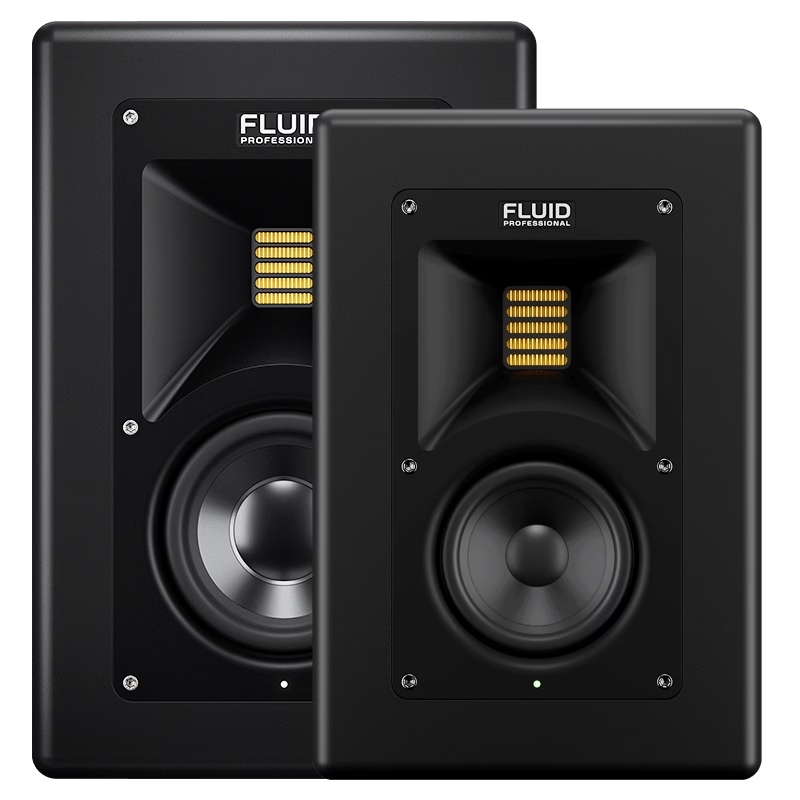
Fluid Professional Image 2
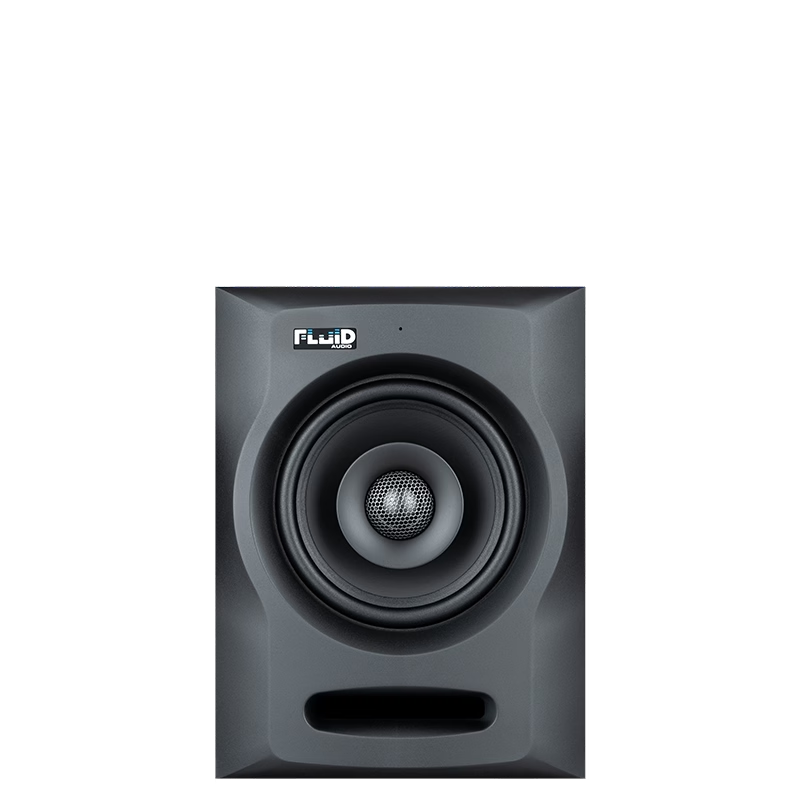
Fluid Audio FX50 v2
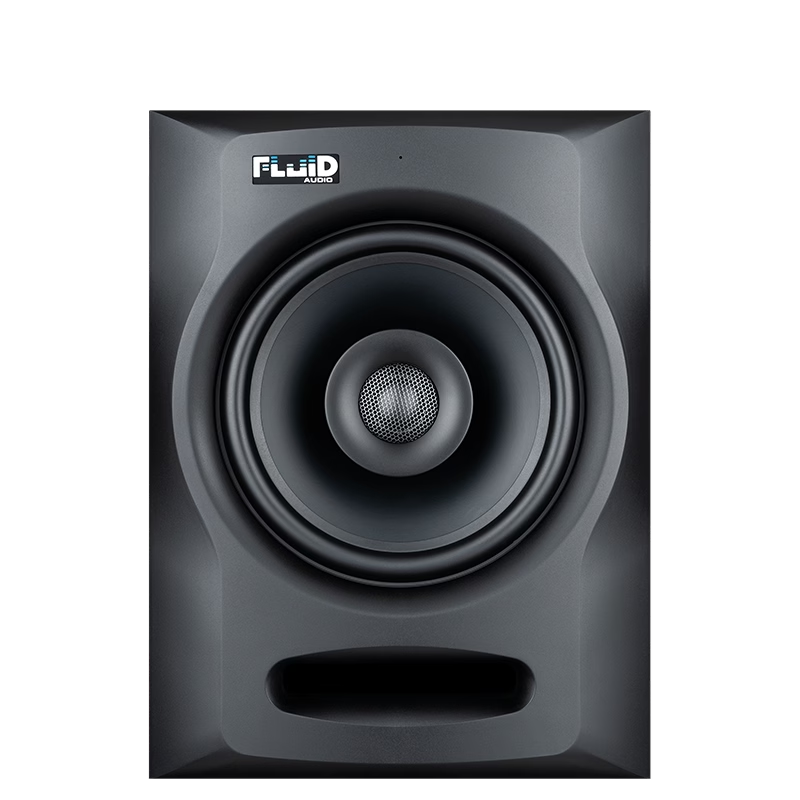
Fluid Audio FX80 v2
Use both references

Headphones and studio monitors reveal different parts of the mix.

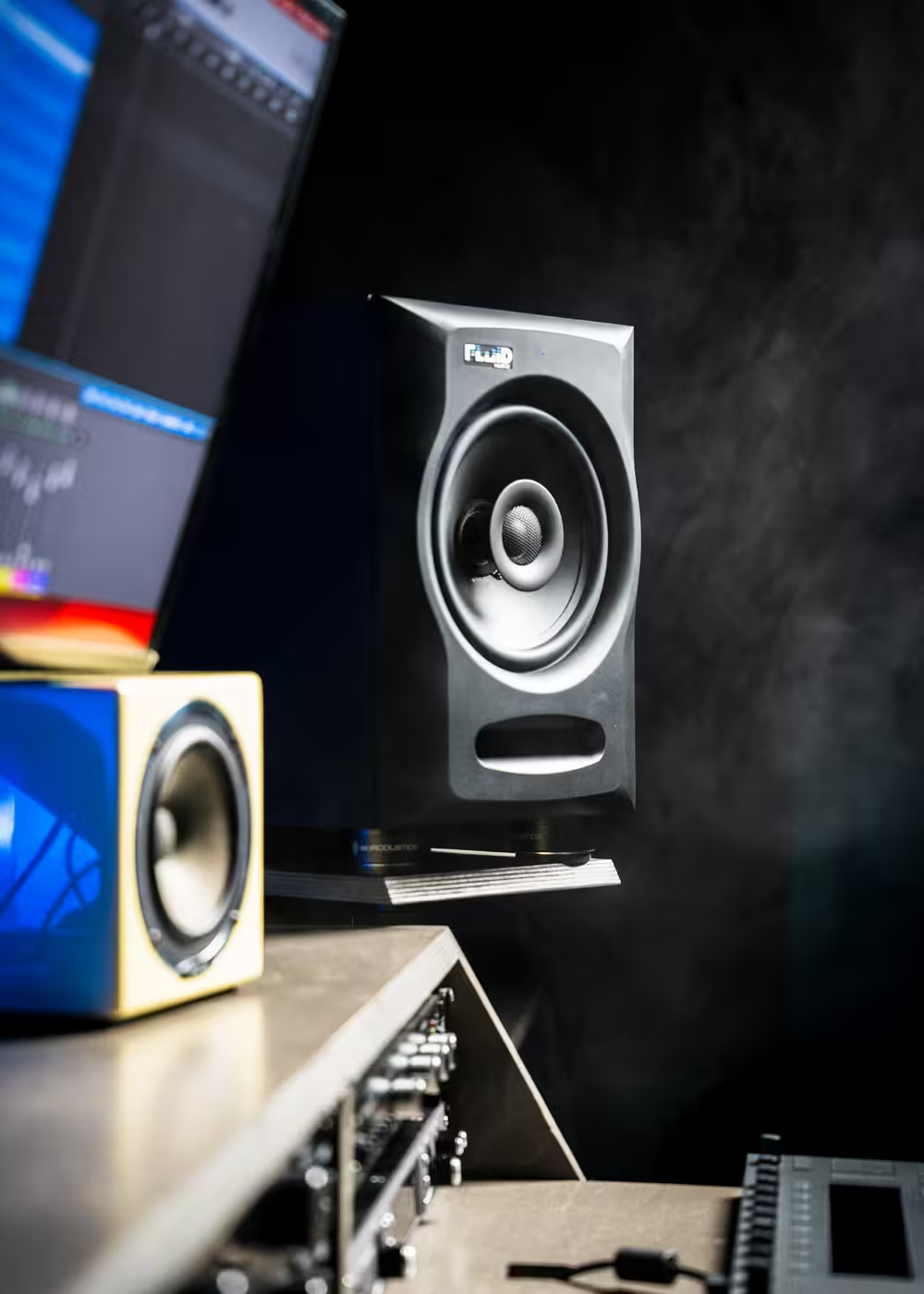
Headphones remove the room from the equation, while speakers tell you how sound behaves in space. The strongest home-studio workflow often uses both.

Headphones reveal detail

Clicks, edits, noise, panning details, reverbs, and very small changes can become especially obvious in headphones.

Monitors reveal space

Depth, speaker interaction, room behavior, low-frequency balance, and real acoustic translation benefit from a speaker reference.

The best answer is often both

Use headphones and monitors as complementary references rather than asking one system to answer every monitoring question.

Related guide: pair this with the Acoustic Treatment Guide so the speaker side of the monitoring system is working from a more stable room.
Complete monitoring system

Build around headphones, speakers, room awareness, and trusted references.

Focus gives you a headphone reference and Fluid monitor emulations. FX monitors give home studios a practical speaker path, while Image Series provides the higher-end Fluid Professional step for more critical rooms.

Fluid Audio

Focus, FX50 v2, and FX80 v2

Use Focus for headphone monitoring and reference checks, then add FX coaxial monitors when you want a real speaker perspective in the room.

Fluid Professional

Image Series

Move into Image Series when the room and workflow require a higher level of critical monitoring, scale, and translation confidence.

Headphone questions

Common questions when choosing studio headphones.

The right answer usually depends on whether the headphones are being used for tracking, production, editing, mixing, or translation checking.

Are open-back headphones better for mixing?

They are often preferred for critical listening because they can sound more spacious and natural, but they leak sound and provide little isolation. That makes them less suitable for many tracking situations.

Should I use headphones instead of studio monitors?

Headphones can be extremely revealing, especially in a difficult room, but monitors provide a real acoustic reference for depth, space, speaker interaction, and room translation. Using both is often stronger than relying on one alone.

Why use headphone correction or speaker emulation?

Correction and emulation can add another reference perspective and help reduce some of the uncertainty of working only on one headphone response, especially when checking translation.

What makes Focus different?

Focus includes a special edition of dSONIQ Realphones with Fluid-specific monitor emulations, including Image 2, FX50 v2, and FX80 v2.

Build a monitoring system that translates

The best headphone is rarely the whole answer.

The stronger approach combines headphones, speakers, room awareness, and trusted references so you can make decisions from more than one perspective.

Preferred Sources

Get more from Fluid Audio in Google

Add Fluid Audio as a preferred source to see more of our articles in Google Search.