01
Monitors are too low
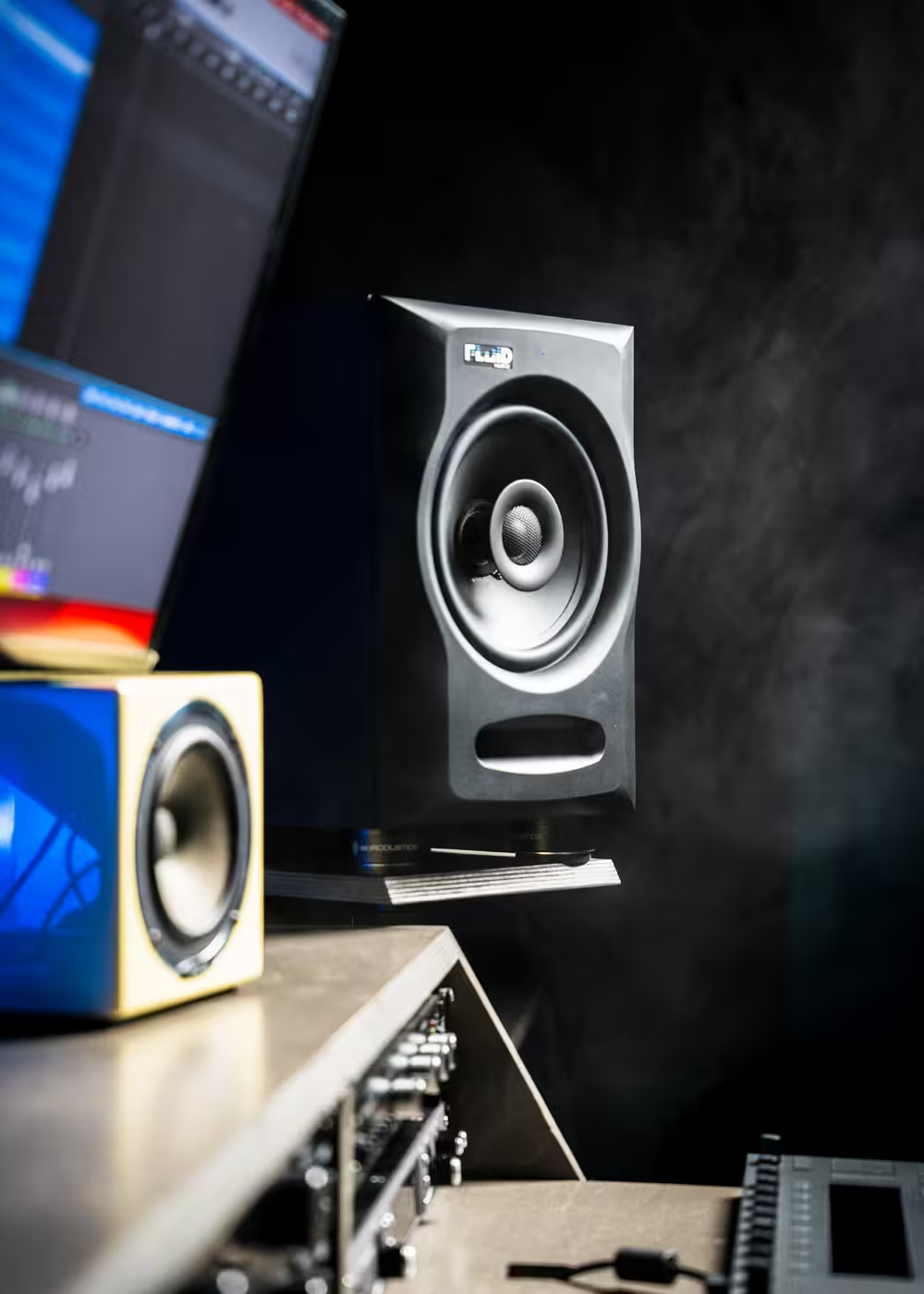
When the high-frequency driver sits well below ear height, the image can become less focused and the tonal balance can change at the listening position.

Even excellent studio monitors can underperform when they sit directly on a desk. Height, angle, mechanical coupling, desk reflections, and listening geometry can all change what reaches your ears.
Many monitoring problems are not caused by the loudspeaker itself. They come from poor height, desk interaction, coupling, or an inconsistent listening triangle.
When the high-frequency driver sits well below ear height, the image can become less focused and the tonal balance can change at the listening position.
Early reflections from the desk can combine with the direct sound and affect imaging, midrange clarity, and depth judgment.
Direct mechanical coupling can transfer energy into the desktop, adding resonance and making detail or low-frequency behavior less predictable.
If the left and right speakers are not aimed and spaced consistently, center image, vocal placement, and stereo width become harder to judge.
Raising and angling the monitors can improve the direct path to the listener and reduce how strongly the desk interferes with the sound.
Desktop stands give you more control over isolation, height, angle, and repeatable placement, all of which affect what you hear at the listening position.
Reducing mechanical coupling between the monitor and desk can help reduce unwanted resonance and keep the direct speaker output easier to judge.
Height and angle adjustment make it easier to bring the speaker toward ear level and aim it correctly at the listening position.
Moving the monitor away from the desk surface can reduce early reflections that interfere with imaging, midrange focus, and depth.
Foam pads are better than placing monitors directly on a hard desk, but they usually solve only part of the problem.
Desktop stands add control over height and angle as well as mechanical separation, so they can improve both physical isolation and listening geometry.
The left speaker, right speaker, and listening position should form a consistent geometry, with both speakers placed symmetrically and aimed toward the listener.
Small position changes can affect center image, depth, stereo width, and low-frequency balance. Stands give you a repeatable mechanical reference for speaker height and angle so those changes are easier to control.
Choose around monitor size, desk space, and the amount of height and angle adjustment you need. The goal is stable positioning, not simply lifting the speaker.
Use the stand, monitor, listening geometry, and room treatment together. The goal is a stable reference at the listening position. Explore Fluid Audio studio monitors to compare options for your setup.
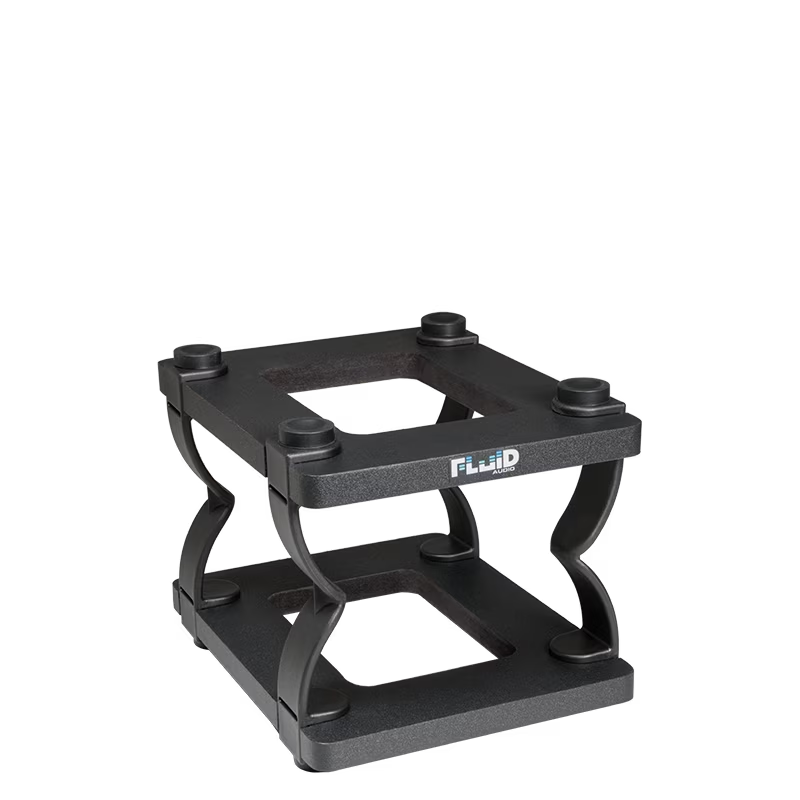
Desktop monitor stands for compact nearfields and smaller studio setups.
View DS5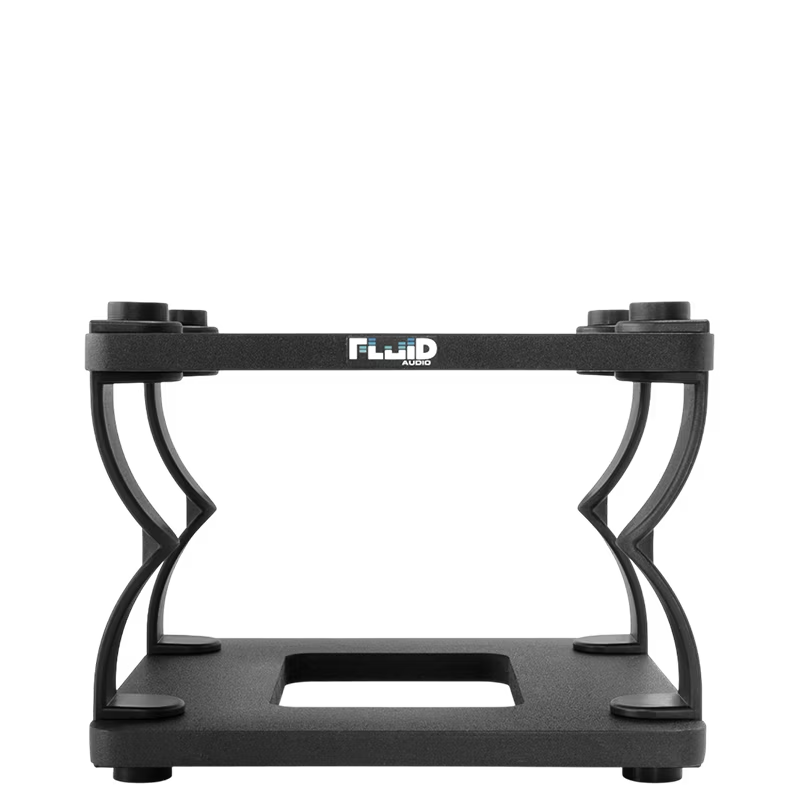
Desktop monitor stands for larger nearfields and more flexible placement.
View DS8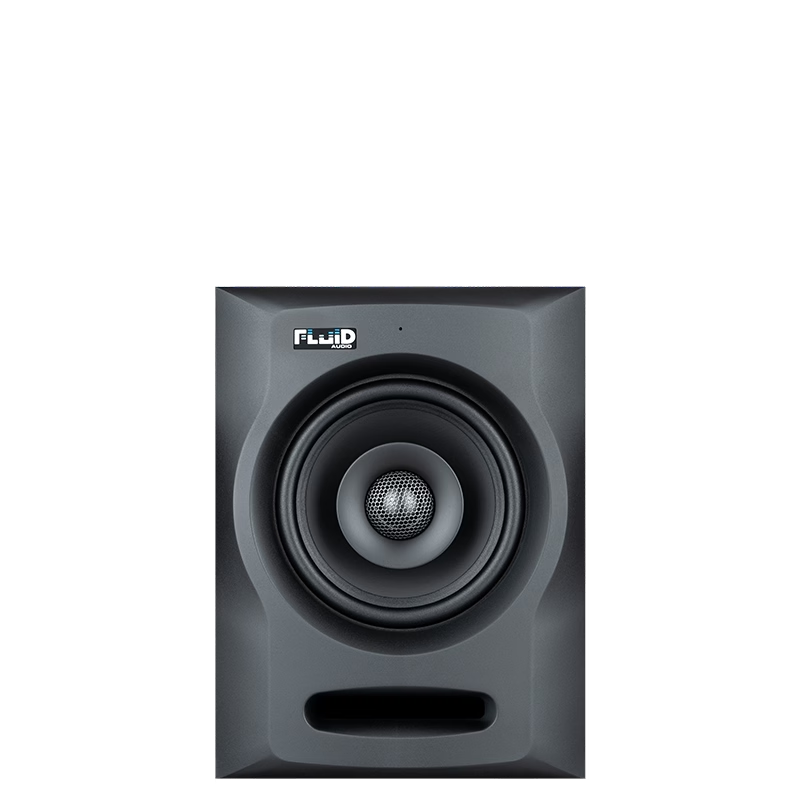
Compact coaxial monitoring for smaller rooms and desktop-based project studios.
View FX50 v2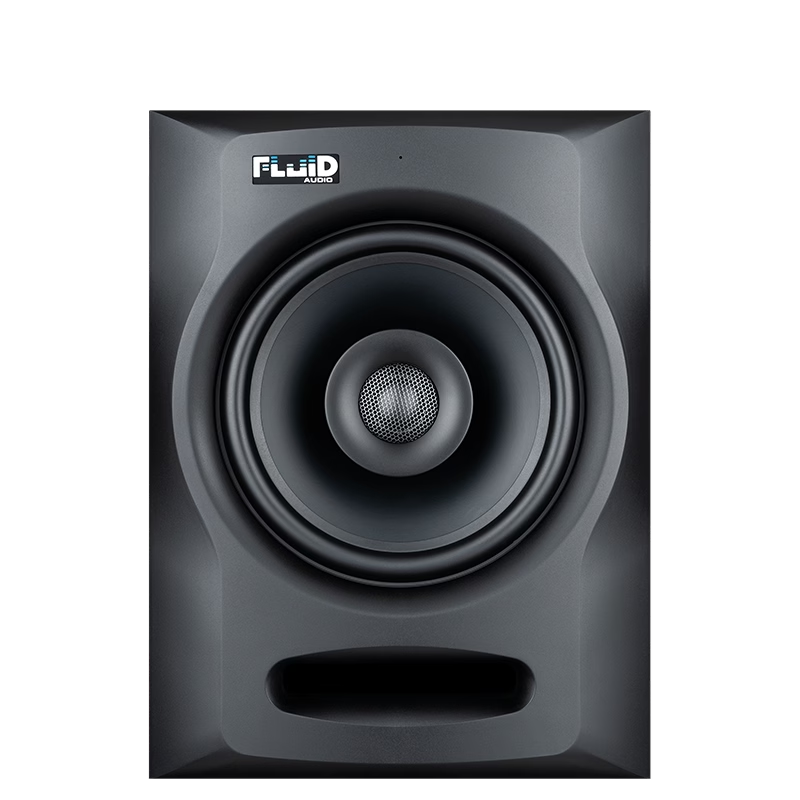
Larger coaxial monitoring with more output and low-frequency extension for bigger setups.
View FX80 v2These related guides cover monitor choice, room treatment, and immersive speaker setups.
Match the monitor to your room, workflow, and long-term studio goals.
Read the monitor guide →Understand reflections, bass buildup, room treatment, and why the room changes translation.
Read the acoustic guide →Learn how speaker placement, calibration, and monitor choice scale into immersive rooms.
Read the Atmos guide →The useful answer usually comes back to geometry, mechanical coupling, desk reflections, and whether the speaker is aimed correctly at the listening position.
They can improve the setup by reducing desk coupling and giving you better control over height, angle, and speaker position. The benefit comes from improved placement and mechanical isolation rather than adding a new sound character.
Foam pads can help with basic isolation and tilt, but desktop stands provide more control over height and geometry in addition to mechanical separation.
The goal is to keep the monitor aimed correctly at the listening position and within the intended listening axis. In many desktop setups, raising or angling the speaker is the practical way to get there.
No. Stands improve monitor placement and desk interaction. Acoustic treatment addresses room reflections, decay, and low-frequency problems. They solve different parts of the monitoring system.
Use stable height, angle, symmetry, isolation, and room treatment together so the monitor has the best possible chance to tell you the truth.
Add Fluid Audio as a preferred source to see more of our articles in Google Search.